
When a WordPress blog configures an SSL certificate to enable HTTPS, there is a certain probability that the following issues may arise:
Website CSS styling is disorganized
Incorrect display of image URLs
Unable to access the website admin dashboard
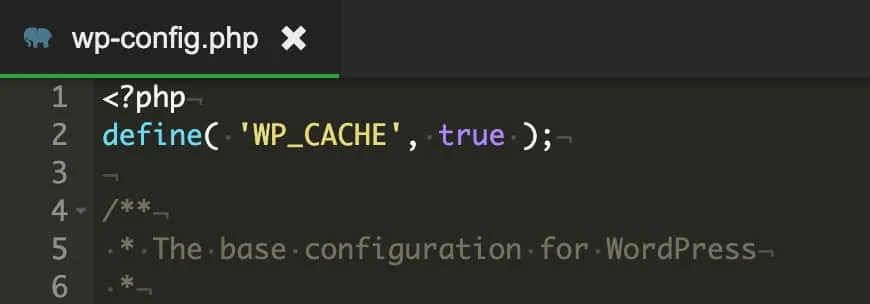
You can modify the wp-config.php file to solve these issues. Here's how: 1. Go to the root directory of your WordPress site and open the wp-config.php file in an editor.
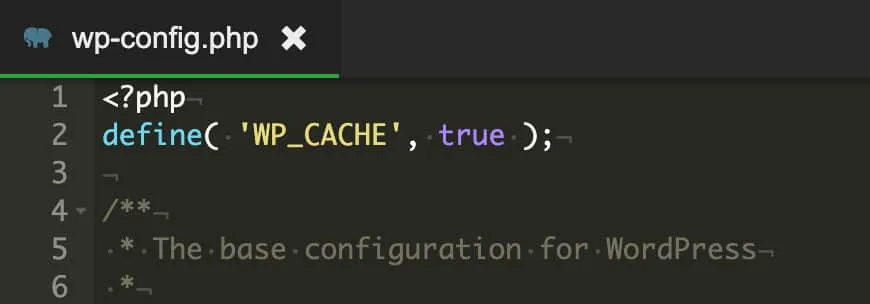
2. Find the following code snippet in the file:
**
@package WordPress
*/
3. Insert the following lines of code immediately after the above snippet:
$_SERVER['HTTPS'] = 'on';
define('FORCE_SSL_LOGIN', true);
define('FORCE_SSL_ADMIN', true);
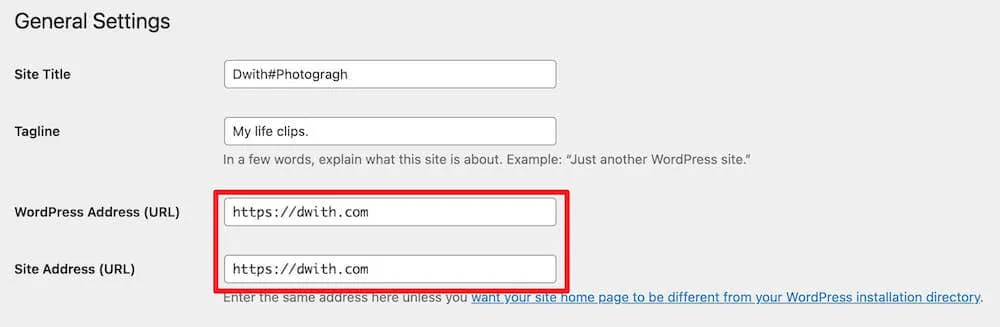
4. After completing the above steps, visit the admin dashboard of your website. In the General Settings page, change both the "WordPress Address (URL)" and "Site Address (URL)" from http to https, and save the changes.
5. Generally, for a brand-new WordPress blog, executing up to this point should resolve the issue. However, for a WordPress blog that already contains a lot of content (posts, attachments, etc.), further modifications are required. Otherwise, you may see a yellow exclamation mark in the address bar of your browser, indicating that some content is not using HTTPS. Possible causes include: Some images or attachments still use HTTP URLs.
The website references some external resources over HTTP.
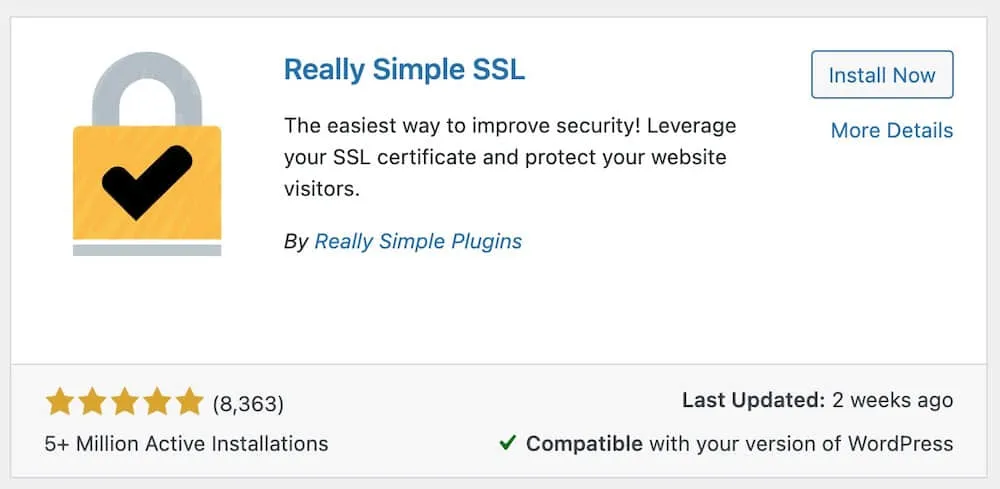
You can use database tools to connect to your database and use SQL queries to change these HTTP URLs to HTTPS. Make sure to back up your database first!!! 6. Alternatively, you can use a free WordPress plugin called "Really Simple SSL" to solve these issues automatically. Search for "really-simple-ssl" in the WordPress plugin center, install and activate it to apply the changes.













Leave a Reply